1. Set all your Commitment Find filters
2. Click the green Find button.

3. Once you have clicked the Find button, you will be directed to a new landing page with your Commitments listed.

4. Export an Excel list of these Commitments through Commitments Report Summary or View, Print, Save or Add to a Group by clicking their buttons.

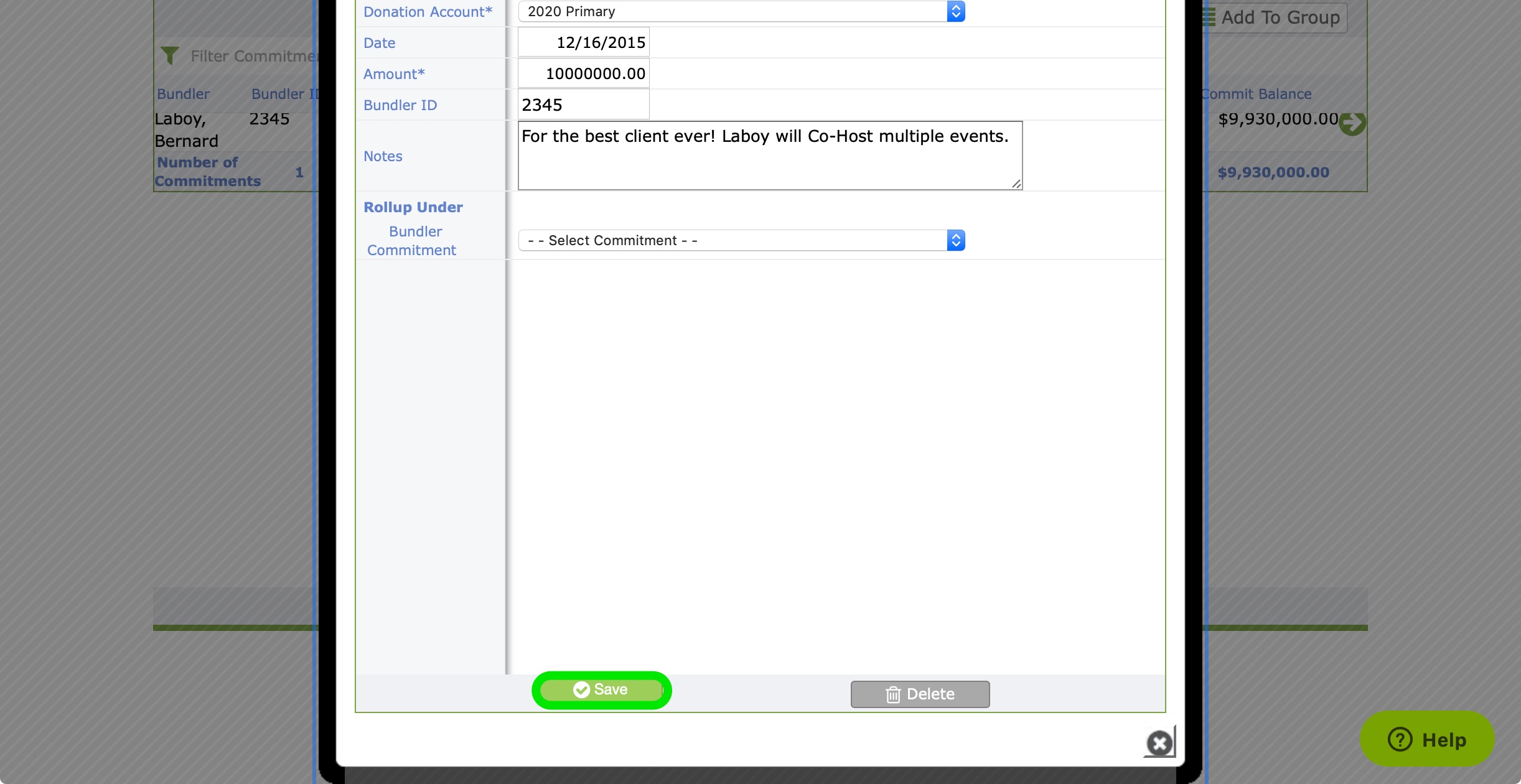
Note: You can edit any of your financials by simply clicking into the desired commitment.
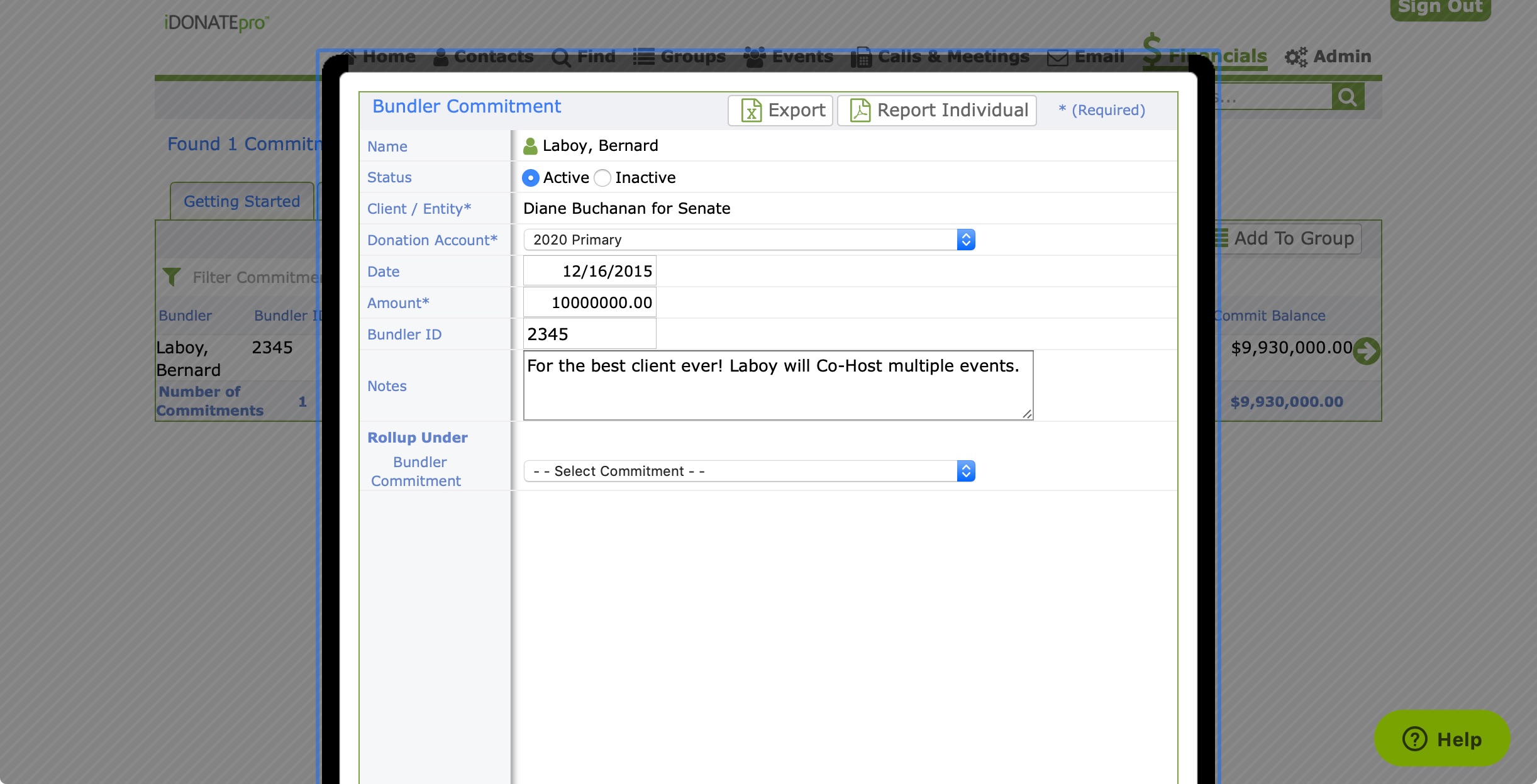
5. Just make sure to click the green Save button!